A second location is usually a good problem. Demand outgrew the building, a nearby practice came up for sale, or a partner wants to run a site closer to home. What catches owners off guard is rarely the medicine. It's the administration: two schedules, two inventories, two teams, and a software setup that was never designed to hold more than one clinic.
Most independent practices start on software configured for exactly one site. When the second site arrives, the choice is usually between two bad options. Run both clinics inside one account and tag everything by location, or open a completely separate account and give everyone a second login. The first option muddles your records. The second option muddles your people. Neither is what you want.
The second clinic is a separate business
Treat it that way from the first day. Each site needs its own patient list, its own schedule, its own inventory, and its own billing. A client of the north clinic should not surface in a search at the south clinic, and a technician doing a stock count should only see the shelves in front of them. When both sites share one pile of data with a location field bolted on, every report becomes a filtering exercise and every mistake in one clinic leaks into the other.
Separation also answers the question every owner asks within six months: is the new site paying its way? That only has a clean answer when the new site's revenue, costs, and appointment volume live on their own, not blended into the numbers of the clinic that was already working.
Your people are not two businesses
The complication is that staff float. The owner covers shifts at both sites. A relief vet works wherever the gap is. A senior technician from the established clinic spends launch week at the new one getting the team up to speed. Software that forces a separate login per site turns each of those people into a password juggler, and password jugglers eventually share credentials. Once two people are working under one account, your audit trail stops meaning anything.
What you want is one identity per person, membership in more than one clinic, and a way to switch between them without logging out. The records stay separate. The person does not have to be.
Watch what the second site does to your software bill
A second location almost always means more providers, and on per-provider pricing that means the bill climbs before the new site has seen its first patient. Every hire, every relief shift, every part-time vet who covers Saturdays adds a seat. If you are on that model, run the quote at the staffing level you expect the second clinic to reach in a year, not the level it opens at.
Flat per-clinic pricing makes the answer simple. The second site is a second subscription. Hiring into it costs nothing extra on the software side, so the staffing decision can be made on clinical need alone.
A setup checklist for the new site
Whatever platform you use, these are the things worth doing deliberately rather than copying from the first clinic and hoping.
- Give the new clinic its own details. Name, address, phone, timezone, state license number, and DEA number belong to that site. They show up on invoices, reminders, and health certificates, so a copied phone number sends clients to the wrong front desk.
- Invite staff by email, including the floaters. Anyone who will work both sites should be a member of both from the start, so there is no scramble on the first day someone covers a shift.
- Import existing records instead of re-typing them. If you are buying a practice, get its client and patient list into a spreadsheet and import it. Re-keying hundreds of records is where typos and duplicate clients come from.
- Build the schedule before opening day. Providers, hours, block times for surgery and lunch. A vet who works both sites should connect calendar sync at each clinic, so appointments reach the calendar they actually look at.
- Count the opening stock. Start the new site's inventory with a cycle count on day one so the numbers are right before the first sale, and set up the controlled-substance log as its own record for that location.
- Decide the client-facing pieces. Reminders, payment links, and portal access should carry the new clinic's name and contact details, not the old one's.
- Trial the new site before it goes live. Book test appointments, write a test visit, raise a test invoice. It's far cheaper to find a setup mistake with a fictional patient than a real one.
How KodaVet handles more than one clinic
KodaVet treats each clinic as its own clinic. Every location has its own subdomain, its own patients and staff, its own schedule, and its own billing, fully separated from the others. Staff and owners can belong to more than one clinic and switch between them from the sidebar, with no second login and no logging out and back in.
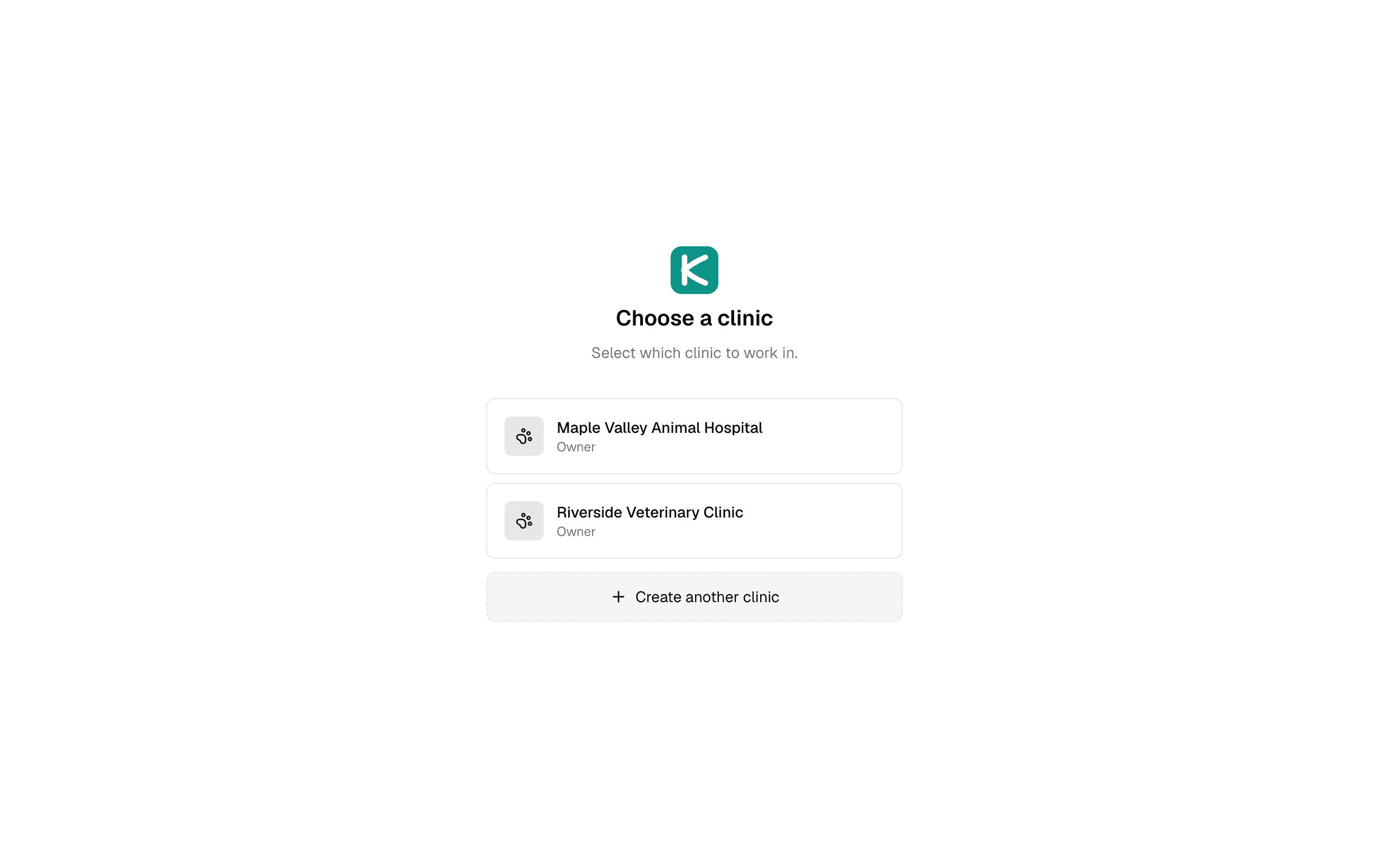
Pricing stays per clinic. Each location is its own subscription at the flat per-clinic price for whichever plan it's on, with unlimited staff, and each one starts with its own 14-day free trial. That means you can set up the second site, invite the team, import records, and run through the checklist above before paying anything for it.
If a second location is on the horizon, start a free 14-day trial and set it up the way you would on opening day, or see how per-clinic pricing works. No credit card required.